Unslip

Fixes the slip you just made

Unslip catches typos as you type, in most apps, and judges each one by the keys around it on the keyboard you actually use.

Download for Windows

Free, 5 MB, Windows 10 and 11. No account.

Typing on a KeBe, from the people who make Unslip
  • Try a slip on
as

On a standard keyboard, “asd” is “as” with a stray d. On a KeBe, s sits beside n, so it was “and”.

Done before your next key

About a secondYou type the word, slip and all.
A tapYou press space or a full stop.
2 msUnslip weighs every word one slip away.
InstantThe fixed word replaces yours.

First, you type the word, slip and all.

Then you press space or a full stop.

Unslip weighs every word one slip away, keys next door first.

The fixed word replaces yours. Backspace once takes it back.

What you meant stays put

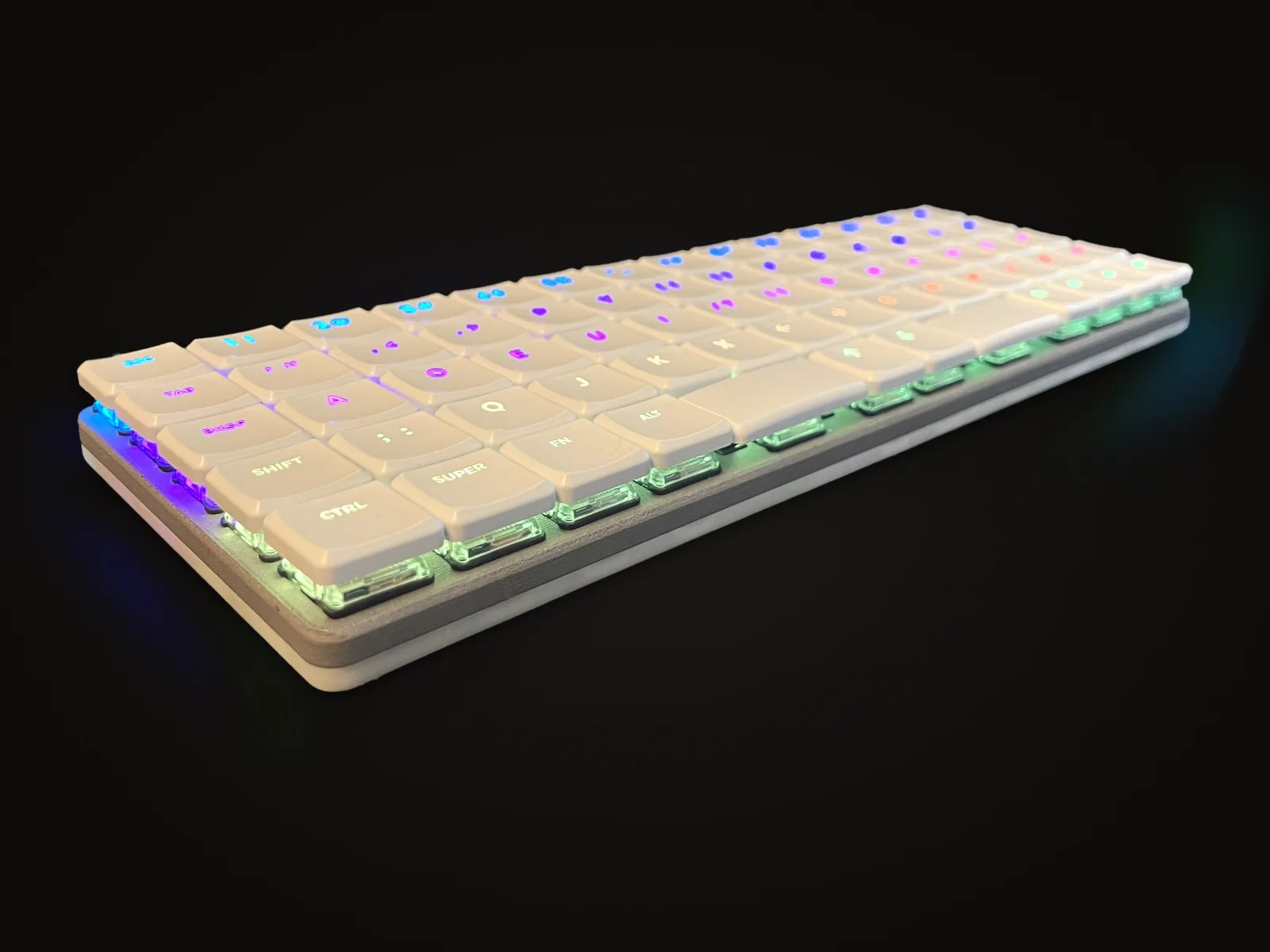
A KeBe seen from the side, its white keycaps in rows

Code, names and passwords

Unslip stays out of code editors, terminals and password boxes, and never touches a word you capitalized mid-sentence, because that’s probably a name. Apps that correct words themselves, like Word and Notepad, are left to it.

Capitals only when it can see

It capitalizes the start of a sentence and “I” only when the app shows it the text before the word. When it can’t see, capitals are yours. One Backspace right after a fix puts your word back, and Unslip remembers it.

Download for Windows

Your typing stays on your PC

What it looks at
The keys you press, which keyboard sent them, and up to 200 characters before your cursor when the app shares them. Then it forgets them.
What it keeps
Your settings, the number of words it has fixed, and the words you told it to leave alone. That’s all, and uninstalling deletes it.
What it sends
Nothing. Unslip never connects to the internet: no account, no analytics, no ads.

Read the privacy policy

Dvorak letters on an even grid

Made by KeBe

Unslip comes from the people who make KeBe, a Dvorak keyboard with its keys in straight rows, designed and assembled in Canada.

On a KeBe, Unslip judges slips by KeBe’s own key positions, and the keyboard carries a typo mode of its own for phones and tablets, where apps can’t reach it.

See the KeBe

Type freely

Unslip installs for your Windows account without an admin password, and starts with Windows from then on.

Free. 5 MB.

Download for Windows

On Android? Unslip is in a free test on Google Play. Join the tester group, then open the test on Play, tap Become a tester and install it. Mac and iPhone versions are built and being tested.

Questions

Is it really free?

Yes. No account, no ads and no subscription. It’s made by KeBe, which sells keyboards.

Why does Windows warn me when I open it?

Unslip isn’t code-signed yet, so Windows doesn’t know it. Click More info, then Run anyway. It installs for your account only and asks for no admin password.

Which apps does it work in?

Most apps you type in: browsers, chat, email and documents. It stays out of code editors, terminals and password boxes, and out of Word, Outlook and Notepad, which correct words themselves.

How does it know my keyboard?

Windows tells it which keyboard sent each key. A key from a KeBe is judged on the KeBe’s layout, a key from any other keyboard on a standard one, so you can have both plugged in. You can also pick one yourself.

It changed a word I meant. Now what?

Press Backspace once, straight away. Your word comes back, and Unslip leaves it alone from then on.

Which spellings does it know?

American, Canadian and British English, so colour and color are both right. It knows about 359,000 words.

How do I pause or remove it?

Open Unslip from the Start menu: its window has Pause and Quit. To remove it, go to Settings, Apps, Unslip, Uninstall.

When are Mac, Android and iPhone coming?

Android is in a free test on Google Play now: here’s how to join. Mac and iPhone are built and will be here once they’ve run on real Macs and iPhones.